What you can automate
Track the portal automatically
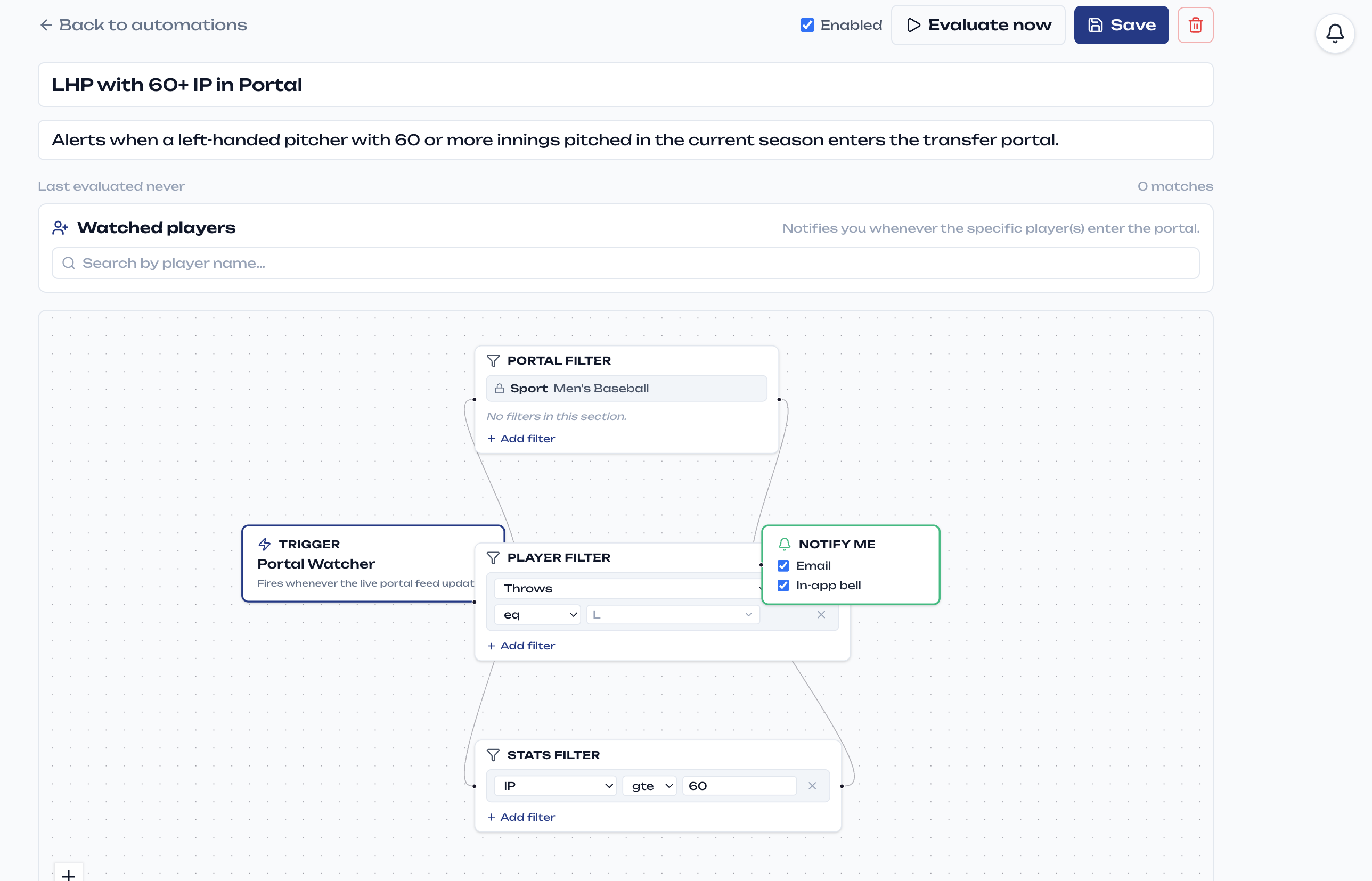
Save a portal search — position, class year, stats, accolades, anything you can filter on — and your automation watches for new entrants that match. The moment a fit hits the portal, you know.
Portal automations are available to verified NCAA coaches.
Follow a team all season
Point an automation at any team — a conference rival, a future opponent, your own — and it keeps track of their results throughout the season, so you're never catching up the week of the game.
Watch a specific player
Keep an eye on a recruit or a portal target. When their status or production changes, the update comes to you instead of you going looking.
Create them anywhere
Build automations in the Automations tab, or just ask for one in chat — “let me know when a left-handed pitcher with 60+ innings enters the portal” — and your assistant sets it up on the spot. Every automation lives in one place where you can review its matches, adjust its filters, or turn it off.
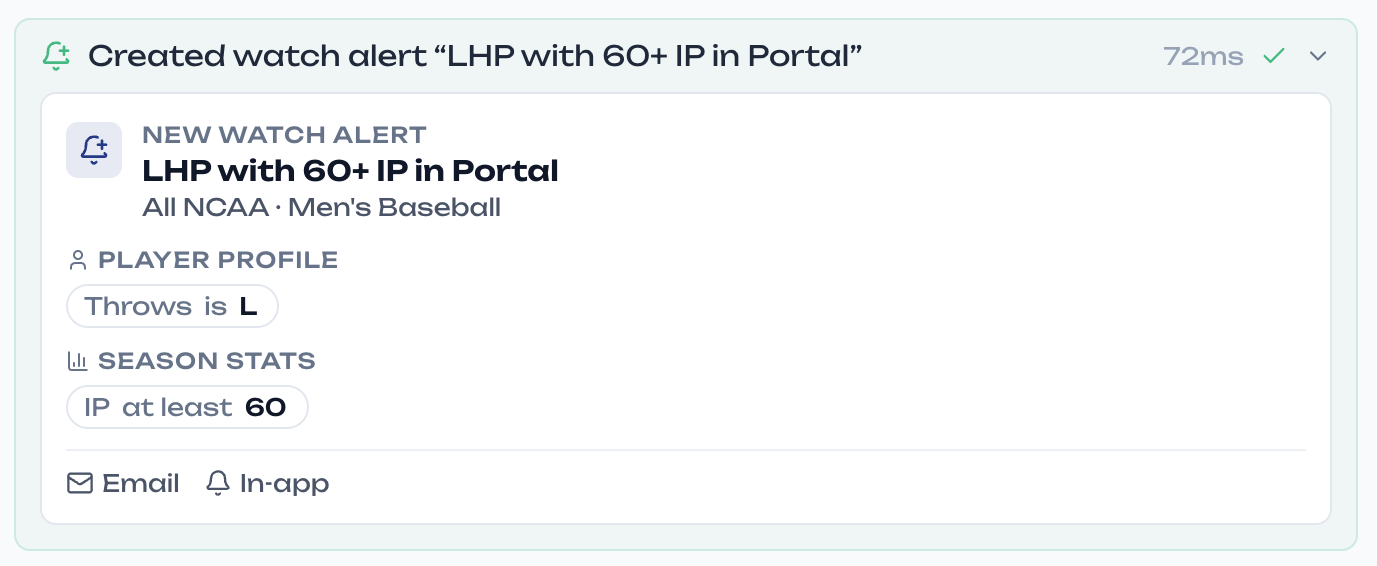
Notifications arrive where you work: in-app, and by email if you want them there too.
Recruiting is a race. Stop refreshing.
The staff that hears about a portal entry first is usually the one that lands the player. Automations turn portal search from something you do into something that happens — and when a name comes through, hand it straight to scouting for the full breakdown.